
Firefox vs LibreWolf
By KS
Introduction
Firefox and LibreWolf are closely related, but they are not the same recommendation.
If you are trying to improve privacy without making your browser harder to live with, the difference matters.
Quick recommendation
- choose Firefox if you want the best balance for normal life
- choose LibreWolf if you want stricter defaults and accept a little more friction
Comparison table
| Browser | Best for | Main strength | Main weakness | Recommendation |
|---|---|---|---|---|
| Firefox | most people | flexible, familiar, strong privacy upgrade with uBlock Origin | requires some setup | best default choice |
| LibreWolf | stricter privacy users | more hardened defaults out of the box | can introduce more friction or breakage | best for people who want stricter defaults immediately |
Firefox
Official link: Firefox

Firefox is the better default recommendation because it balances privacy improvement with everyday stability.
Pros
- easier to recommend broadly
- large extension ecosystem
- good everyday balance
- works well with uBlock Origin
Cons
- better than mainstream defaults, but not maximally hardened out of the box
Recommendation
Use Firefox if you want a privacy upgrade that is easy to keep.
LibreWolf
Official link: LibreWolf
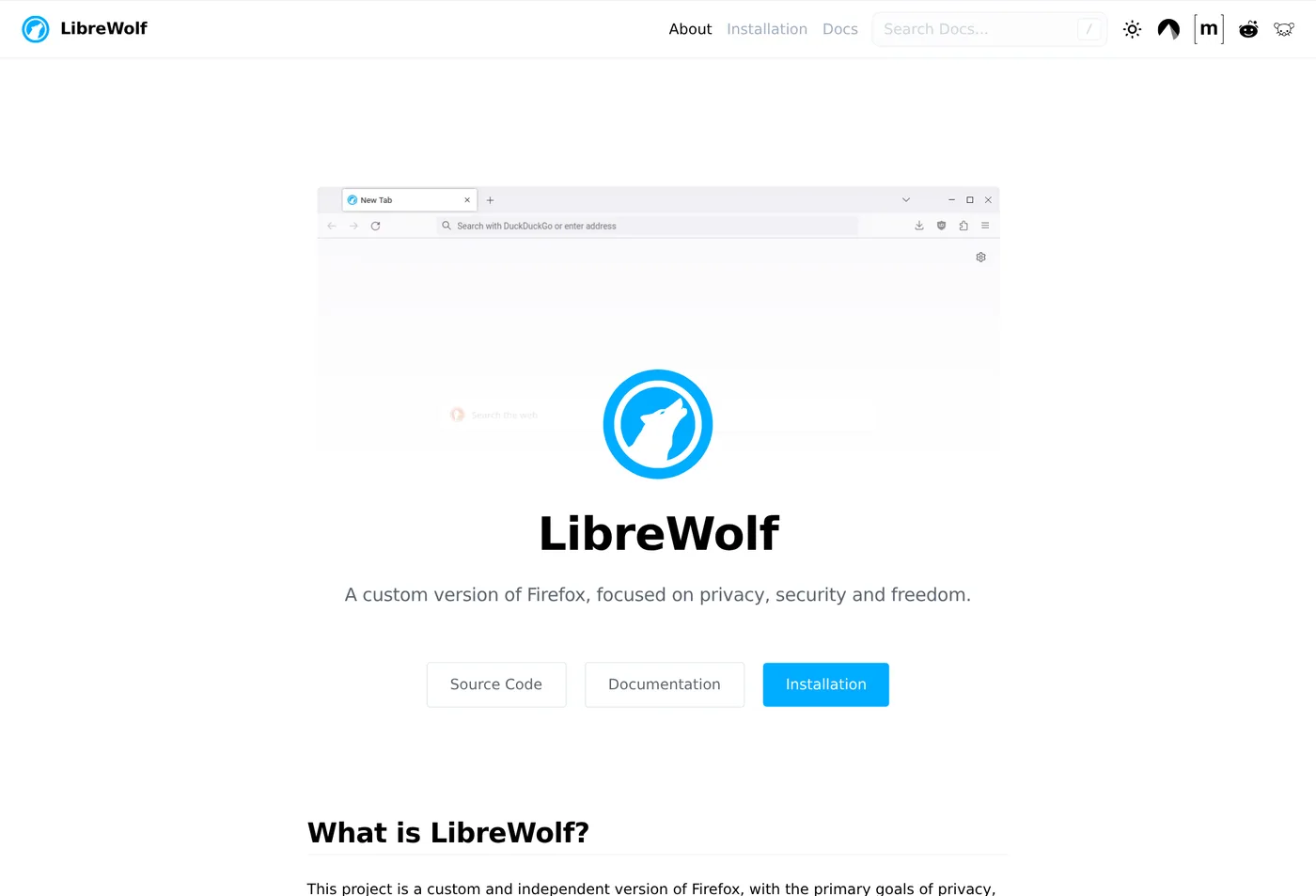
LibreWolf is stronger out of the box, but that extra strictness is exactly what creates more friction for some users.
Pros
- stricter defaults
- less setup required to get a more privacy-focused baseline
Cons
- more friction
- not always the smoothest browser for every site or user
Recommendation
Use LibreWolf if you already know you want stricter defaults and can tolerate a little inconvenience.
Recommended approach
For most people:
- start with Firefox + uBlock Origin
- live with it for a few weeks
- move to LibreWolf only if you still want stricter defaults
What to read next
Read Best Privacy Tools and Open Source Replacements: Part 2, How to Protect Your Privacy Online Without Going Off Grid, and What Is Browser Fingerprinting?.